Control Tower Motor City Office 302 - Dubai

Apple Mac Solutions

Your MacBook is NOW in Safe Hands

Apple Mac Solutions, located in the heart of UAE, offers reliable solutions for hardware, software, as well as technical issues. With skilled technicians, original Apple Components, and warranties, we assure quality service.

Get your quote today!

Get your quote today!

  • Professional Services
  • Customer Satisfaction
  • Maintenance Check mark Same Day Service
  • Friendly Team

17+

Years of Experience

100%

Original Parts

Free

Pickup & Delivery

1 Hour

Fast Repair Time

24/7

Support Services

Models We Repair

screen

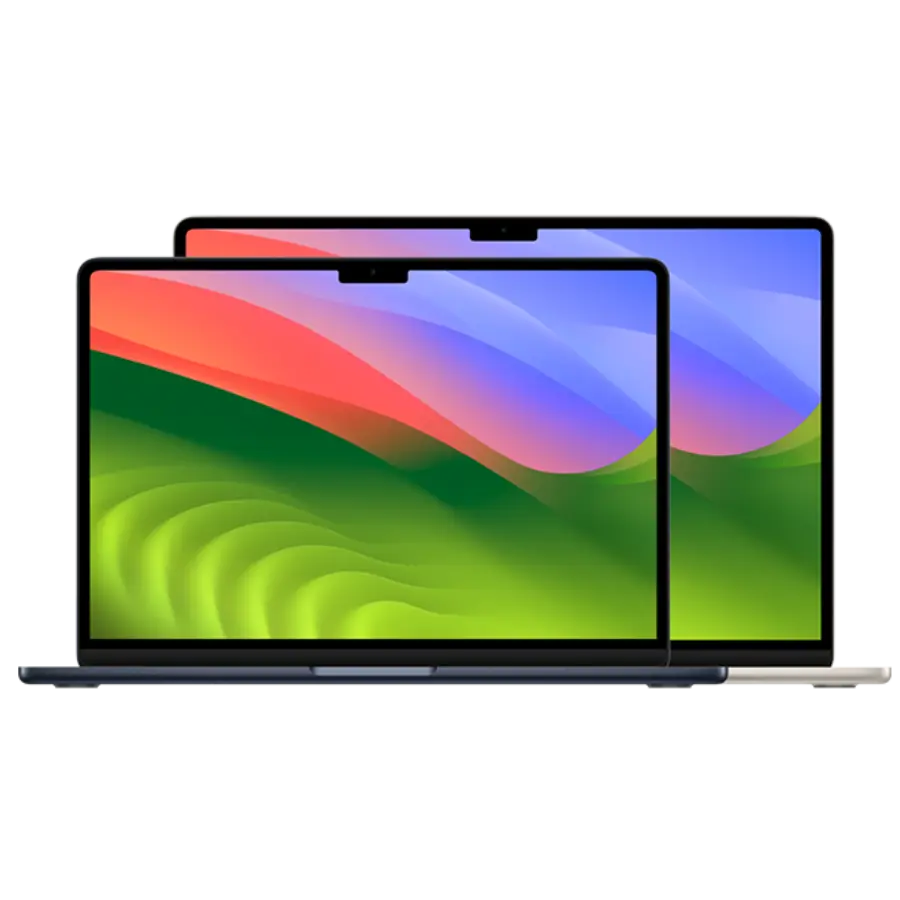
MacBook Air 13”, 15” Repair

intel, M1, M2, M3 chip

Fix Now
screen

MacBook Pro 14”, 16” Repair

intel, M3, M3 Pro, M3 Max chip

Fix Now

Other Models

MacBook Issues We Fix At Our Dubai Outlet (Services):

Touch ID

If you can’t unlock your Apple MacBook using Touch ID if you have another problem, we can replace it with a new one. The spare parts we use for this repair are original. We work with MacBook diagnostic tools and procedures to ensure that the repair of your MacBook Touch ID will be performed

Keyboard Repair and Replacement

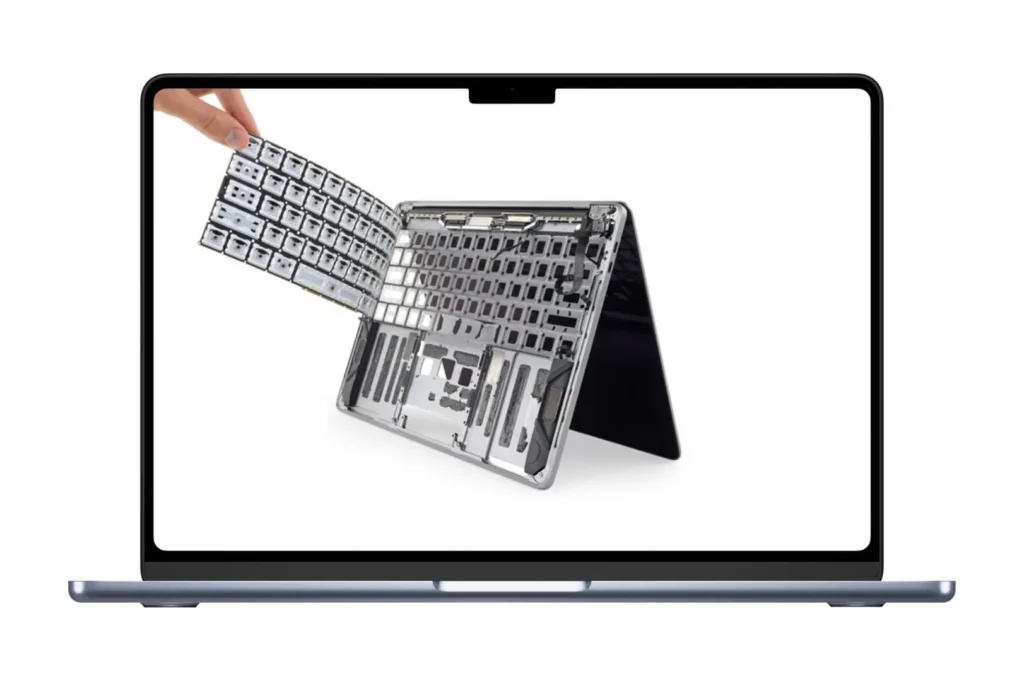
Reliable MacBook Keyboard Replacement. We can replace your MacBook Pro Retina and MacBook Air keyboard and fix your problem We have all MacBook keyboards in stock many repair shops do not offer this repair without replacing the top case

MacBook Data Recovery

Looking for data Professional MacBook Data recovery in Dubai Apple Mac Solutions is a trusted MacBook data recovery shop in Dubai visit our service center today

MacBook Screen Replacement

Get Fix Your MacBook Pro and MacBook Air Screen very cheapest price Fix in just 20 minutes Call us now

Software Troubleshooting

Our Experts are available to troubleshoot the problem on Mac with Apple silicon chip and Intel Chip to identify any malfunctioning software or application that prevents Apple Mac from performing.

Battery Replacement

Replace the battery in 30 minutes for any Mac Model at our Service Center to ensure the smooth running of the MacBook.

SSD Upgrade

Increase the storage capacity of your MacBook and Boost up the speed and performance of your MacBook.

Logic Board Repair

Chip-level repair of motherboards needs an expert level of understanding of circuit board Structure and our engineer can provide the best repair service.

Virus Removal

Remove Viruses from MacBook which hurdle applications to run and downgrade the performance of MacBook.

Trackpad Replacement

Our team can provide prompt trackpad replacement for any Apple MacBook at our service center.

Fan Replacement

A faulty or Broken Fan is the main cause of overheating in MacBook and we can prevent that by replacing a new fan.

Keyboard Replacement

Our expert technicians provide prompt screen repair and replacement services for cracked or malfunctioning MacBook screens, ensuring clear and vibrant display quality.

Speaker Replacement

If distortion, crackling sound, or low volume is coming from the MacBook Speaker, replace them with original speaker.

Wi-Fi and Bluetooth Repair

Low Wi-Fi signal or No Signal at all, replace the wi-fi Bluetooth chip or antenna at a low price with our expert.

Overheating Issue

Clean clogged Fan vent and replace a cooling paste on CPU and GPU chips to reduce the heat and increase the performance of MacBook.

Hinges Replacement

Tighten loose hinges or replace the broken hinges for your old MacBook Pro and MacBook Air models.

Power Button Repair

One of the reasons the MacBook is not powering is the power button, a faulty power button can restart your MacBook or turn it off.

Liquid or Water Damaged Repair

A team of experts with knowledge of motherboards can save your MacBook damaged by water or any other form of liquid.

RAM UPGRADE

To increase the speed and boost the performance of your old MacBook Models upgrade the RAM capacity to perform smooth tasks.

SSD Data Migration

Transfer the data or migrate the data from your old MacBook to your new MacBook with the help of an expert and remove the risk of data loss.

Charging Port Replacement

Slow charging or not charging at all could be the problem of a faulty charging port in a MacBook.

Backup and Restore Service

Backup your important data inside your MacBook to any external drive or cloud-based server and Restore your data from any external drive to your new MacBook with the help of a professional team.

MacBook Upgraded Services in Dubai

Nope! We don’t push our invaluable customers to change their MacBook right away if it’s not operating actively. Instead, we support them by guiding them on how they can upgrade this old device to run faster, safer, and longer. The most common upgrades are:

Out of Warranty MacBook Repair in Dubai

No matter the issue—whether your MacBook won’t start up, is functioning slowly, lacks power, or shows lines on the display—the solution is just a visit away. Our skilled technicians are more than ready to promptly and effectively tackle your MacBook’s problems.

Here are some common out-of-warranty MacBook issues we can fix:

  • Failed MacBook battery
  • Failed MacBook logic board
  • Failed MacBook optical drive
  • Failed MacBook memory chip
  • Failed MacBook Magsafe DC board
  • Failed MacBook hard drive or SSD Drive
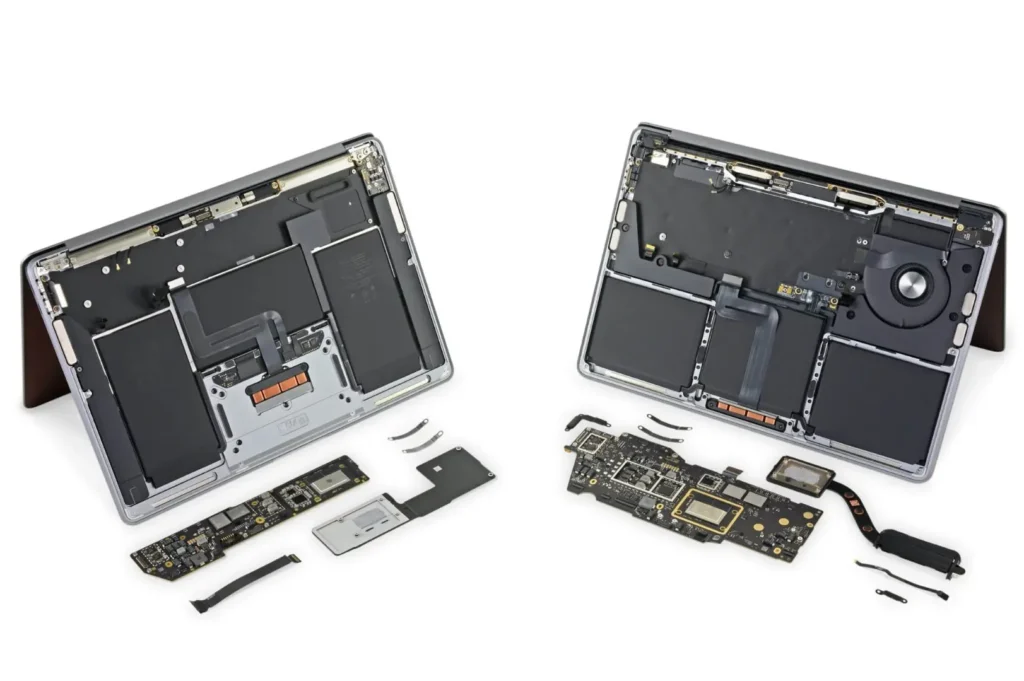
If the hard drive of your MacBook fails or has already failed, we can replace it with one of higher storage capacity to achieve faster data retrieval speeds. Additionally, we provide data recovery services for failed hard drives, or we can transfer your backup from an external drive to a new one, as long as it fits within your budget.

Why choose us for MacBook Service Dubai

  • Certified Technicians:

    Our staff technicians are certified to maintain quality work experience. We have a wide variety of training workshops where our staff undergo comprehensive training programs that cover a wide range of MacBook models.

  • Genuine Apple Components:

    We proudly claim to use original Apple components for your devices. That’s why our customer retention ratio is much higher than any other MacBook service providers in Dubai. We never compromise on quality.

  • Damage to Components:

    If not repaired correctly, there’s a risk of causing further damage to internal components, such as the logic board, keyboard, screen, or battery.

  • Damage to Components:

    If not repaired correctly, there’s a risk of causing further damage to internal components, such as the logic board, keyboard, screen, or battery.

  • Damage to Components:

    If not repaired correctly, there’s a risk of causing further damage to internal components, such as the logic board, keyboard, screen, or battery.

Where We Support/Locations Where You Can Reach Us!

  • Apple Mac Solutions Deira
  • Apple Mac Solutions DIFC
  • Apple Mac Solutions Mirdif
  • Apple Mac Solutions Satwa
  • Apple Mac Solutions Tecom
  • Apple Mac Solutions Jebel Ali
  • Apple Mac Solutions The Villa
  • Apple Mac Solutions Al Sufouh
  • Apple Mac Solutions Bur Dubai
  • Apple Mac Solutions Meadows
  • Apple Mac Solutions International City
  • Apple Mac Solutions Sustainable City
  • Apple Mac Solutions Jumeirah Heights
  • Apple Mac Solutions Jumeirah Islands
  • Apple Mac Solutions Dubai Hills Estate
  • Apple Mac Solutions Dubai Sustainable City
  • Apple Mac Solutions Motor City
  • Apple Mac Solutions Remraam
  • Apple Mac Solutions The Greens
  • Apple Mac Solutions Silicon Oasis
  • Apple Mac Solutions The Views
  • Apple Mac Solutions Sports City
  • Apple Mac Solutions Studio City
  • Apple Mac Solutions Dubai Pearl
  • Apple Mac Solutions Dubai South
  • Apple Mac Solutions Dubai Land
  • Apple Mac Solutions Arabian Ranches
  • Apple Mac Solutions Arabian Ranches 2
  • Apple Mac Solutions Dubai Science Park
  • Apple Mac Solutions Dubai Industrial City
  • Apple Mac Solutions Dubai Healthcare City
  • Apple Mac Solutions Commodities Centre
  • Apple Mac Solutions Al Barsha
  • Apple Mac Solutions Al Barari
  • Apple Mac Solutions Al Furjan
  • Apple Mac Solutions Al Jaddaf
  • Apple Mac Solutions Al Karama
  • Apple Mac Solutions Al Jafiliya
  • Apple Mac Solutions Al Warqa
  • Apple Mac Solutions Al Quoz
  • Apple Mac Solutions Al Nahda
  • Apple Mac Solutions Al Mizhar
  • Apple Mac Solutions Dubai Hills View
  • Apple Mac Solutions Sheikh Zayed Road
  • Apple Mac Solutions Discovery Gardens
  • Apple Mac Solutions Jumeirah Village Circle
  • Apple Mac Solutions Dubai Knowledge Park
  • Apple Mac Solutions Dubai Knowledge Village
  • Apple Mac Solutions Dubai Metal
  • Apple Mac Solutions Dubai Marina
  • Apple Mac Solutions Umm Suqeim
  • Apple Mac Solutions Nad Al Sheba
  • Apple Mac Solutions Business Bay
  • Apple Mac Solutions Palm Jumeirah
  • Apple Mac Solutions Emirates Living
  • Apple Mac Solutions Dubai Media City
  • Apple Mac Solutions Dubai Motor City
  • Apple Mac Solutions Downtown Dubai
  • Apple Mac Solutions Dubai Design District (d3)
  • Apple Mac Solutions Dubai Investment Park (DIP)
  • Apple Mac Solutions Dubai Production City (IMPZ)
  • Apple Mac Solutions Jumeirah Lakes Towers(JLT)
  • Apple Mac Solutions Jumeirah Beach ResidenCE(JBR)

Common Apple MacBook Issues and Solutions

Apple Mac Solutions Can Replace your MacBook Screen

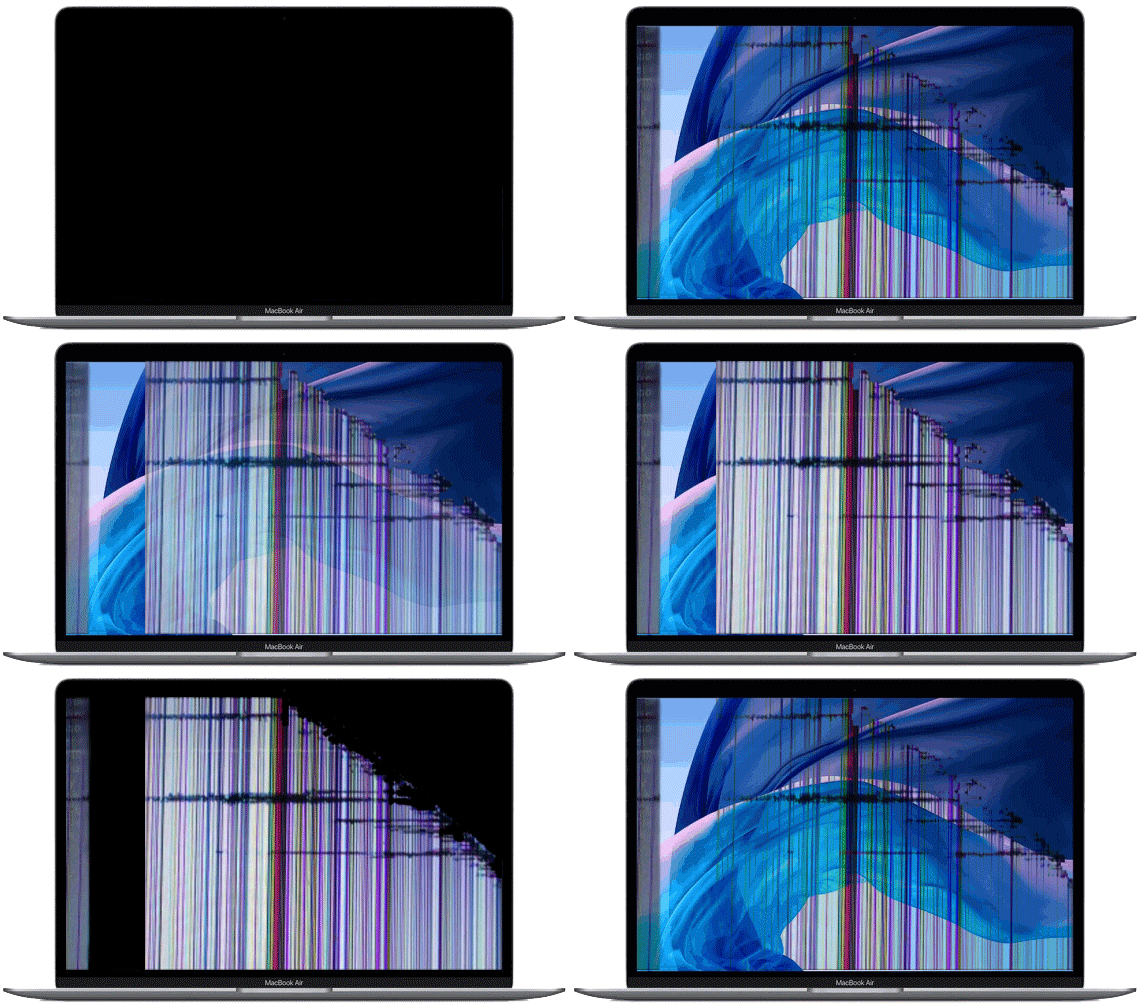
Apple Mac Solutions can repair your damaged MacBook Pro, MacBook, or MacBook Air Screen if your MacBook screen is broken, flickering, or has no backlight we can fix

MacBook Screen Repair / Replacement In Dubai

The Screen of a MacBook can be damaged by dropping or water. Over time Screen can develop dead pixels, distorted displays, or even completely dead screen displays. Often LCD is not the cause: the problems can range from a failing graphics card to a worn ribbon cable the technicians at Apple Mac Solutions are trained to diagnose and properly repair damaged screens in your MacBook Pro or MacBook Air

Our certified technician fix your MacBook Screen including:

  • MacBook Pro Screen Replacement
  • MacBook Air Screen replacement
  • MacBook cracked Screen Repair
  • MacBook Air cracked Screen Repair
  • MacBook no backlight Screen Repair
  • MacBook Pro cracked Screen Repair
  • And Much More
flickering-macbook-screen
Battery-drains-1.gif.pagespeed.ce.T2cNsx56Uh_1647271038.gif

MacBook Battery Replacement in Dubai

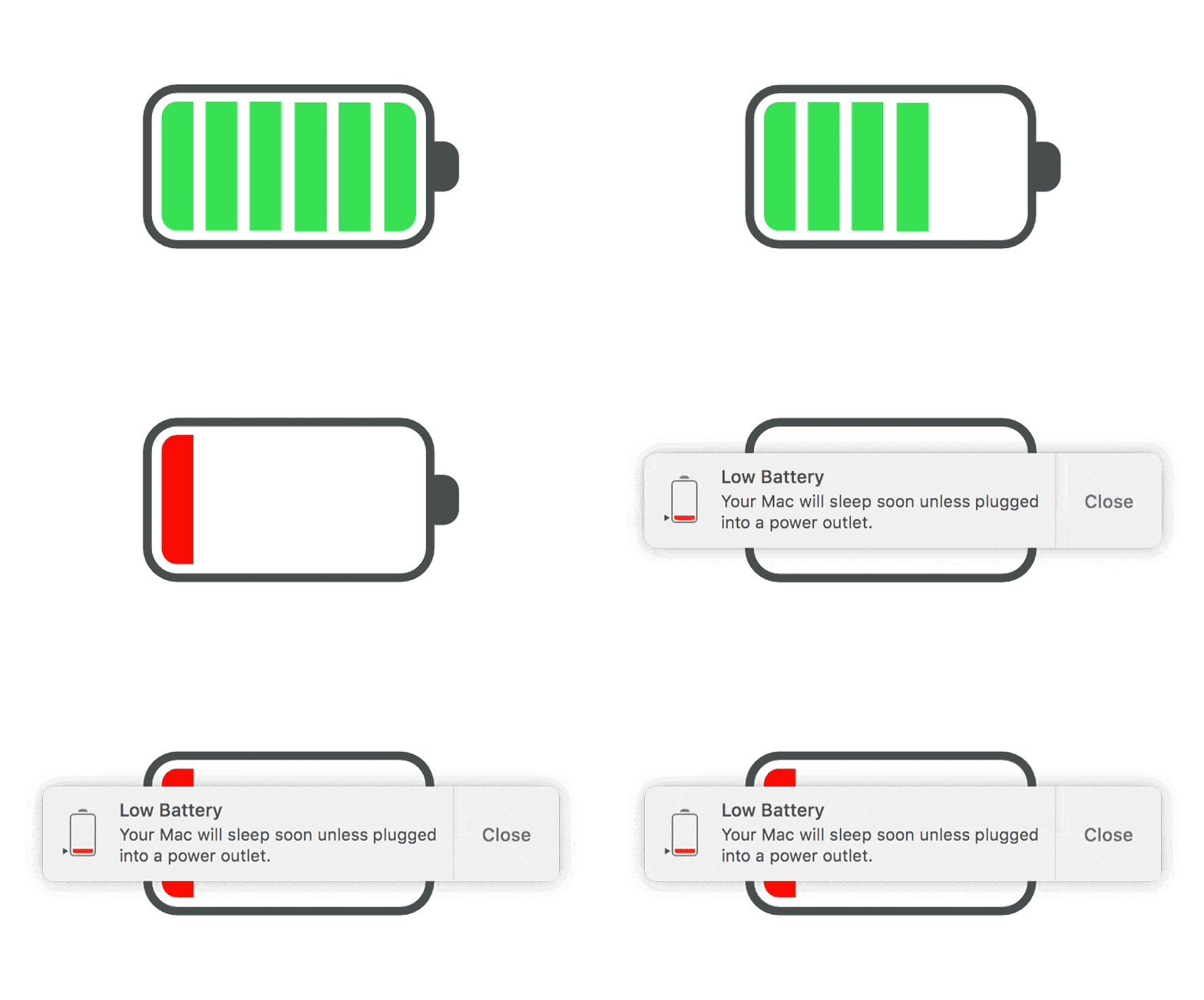
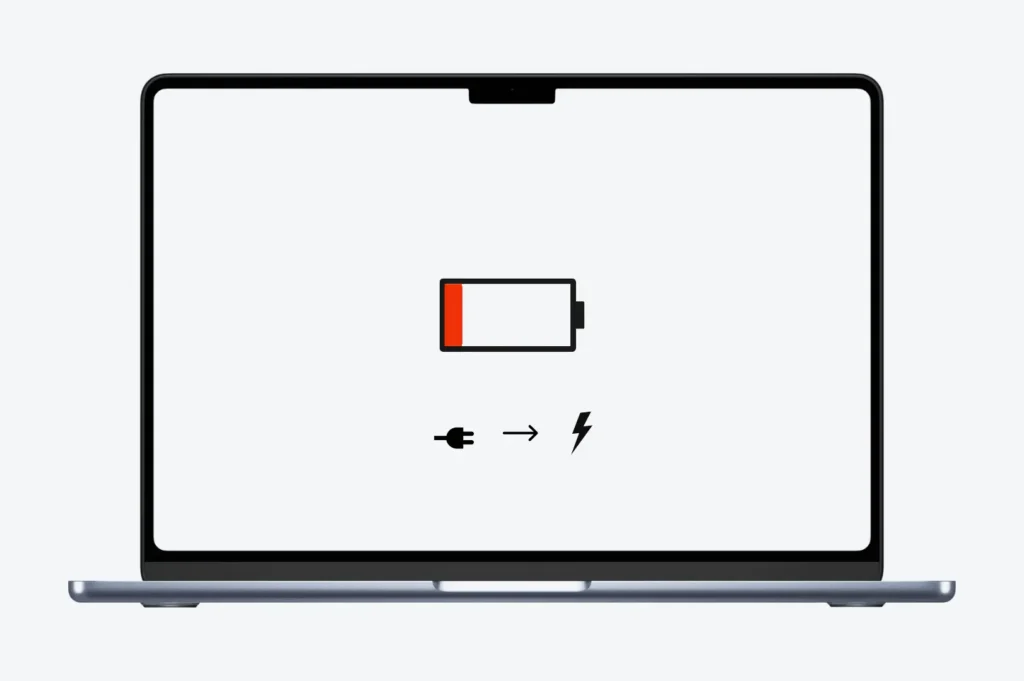
Apple MacBook Pro and MacBook Air had easily removable batteries, recent models have specialized batteries that require opening the MacBook to replace. Replacing a MacBook battery should not be done at home (or in an unqualified shop) since the logic board is exposed and can be damaged or destroyed by careless actions or static electricity.

Also, most aftermarket batteries are not as high quality as your original MacBook battery and may have lower charge capacities, may not be tested properly, produce voltage spikes, and could permanently damage your MacBook.

Apple Battery Replacement Dubai

MacBook battery replacement should only be performed by technicians trained in Apple battery repairs.

Our techs are trained and experienced in diagnosing and repairing MacBook charging problems, including:

  • Faulty Mag-Safe ports
  • Damaged power converters
  • MacBook Pro battery replacement
  • MacBook Air battery replacement
  • MacBook battery replacement
  • Battery Replacement
  • And Much More

MacBook Wi-Fi Connectivity Problems

The MacBook must be connected to a Wi-Fi network to access any browser. If you encounter a Wi-Fi problem, you can run a diagnostic check to fix your MacBook. For better results, you need to have the best Wi-Fi connection

Solution

To fix the above-discussed issue, restart your MacBook and Wi-Fi router. Ensure that your MacBook is within the range of your network, where router signals can be easily accessed.

Reset networking settings by going to System Preferences > Network > Wi-Fi > Advanced > TCP/IP > Renew DHCP lease.

If the issue persists, try creating a new network or contact the internet service provider in your area.

MacBook Wi-Fi Connectivity Problems

The MacBook must be connected to a Wi-Fi network to access any browser. If you encounter a Wi-Fi problem, you can run a diagnostic check to fix your MacBook. For better results, you need to have the best Wi-Fi connection

Solution

To fix the above-discussed issue, restart your MacBook and Wi-Fi router. Ensure that your MacBook is within the range of your network, where router signals can be easily accessed.

Reset networking settings by going to System Preferences > Network > Wi-Fi > Advanced > TCP/IP > Renew DHCP lease.

If the issue persists, try creating a new network or contact the internet service provider in your area.

What are the risks associated with MacBook laptop repairs?

The risks associated with MacBook laptop repairs can include:

  • Damage to Components:

    If not repaired correctly, there’s a risk of causing further damage to internal components, such as the logic board, keyboard, screen, or battery.

  • Damage to Components:

    If not repaired correctly, there’s a risk of causing further damage to internal components, such as the logic board, keyboard, screen, or battery.

  • Damage to Components:

    If not repaired correctly, there’s a risk of causing further damage to internal components, such as the logic board, keyboard, screen, or battery.

  • Damage to Components:

    If not repaired correctly, there’s a risk of causing further damage to internal components, such as the logic board, keyboard, screen, or battery.

  • Damage to Components:

    If not repaired correctly, there’s a risk of causing further damage to internal components, such as the logic board, keyboard, screen, or battery.

  • Damage to Components:

    If not repaired correctly, there’s a risk of causing further damage to internal components, such as the logic board, keyboard, screen, or battery.

  • Damage to Components:

    If not repaired correctly, there’s a risk of causing further damage to internal components, such as the logic board, keyboard, screen, or battery.